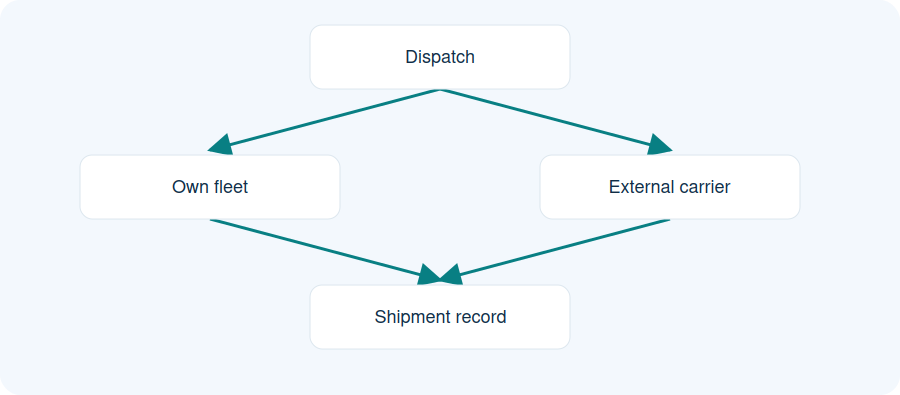
Illustrative workflow. Dispatch assigns own fleet or an external carrier. Both paths feed the shipment record.
Dispatch chooses the own-fleet or external-carrier path.
Either assignment feeds the shipment record.
Dispatch assigns own fleet or an external carrier. Both paths feed the shipment record.
Keep partner records available
Maintain carrier and fleet-owner information alongside driver and vehicle details. Dispatch teams can use these records when arranging transport.
Bring documents into the allocation discussion
Driver and vehicle documents help teams review the records relevant to an assignment. Expiry warnings and blocking rules must be checked against the configured tenant and current version.
Agree who maintains the information
Decide which users create records, update supporting documents and allocate resources. The permitted actions depend on role and configuration.
Practical questions
Can I keep driver documents?
Supporting driver documents are part of the documented workflow; agree the types and access during setup.
Do expired documents block assignment?
The supplied Jira history contains different expiry rules. Validate the current tenant and version before relying on blocking.
Can every user edit fleet records?
Access depends on the user’s role and configured responsibilities.