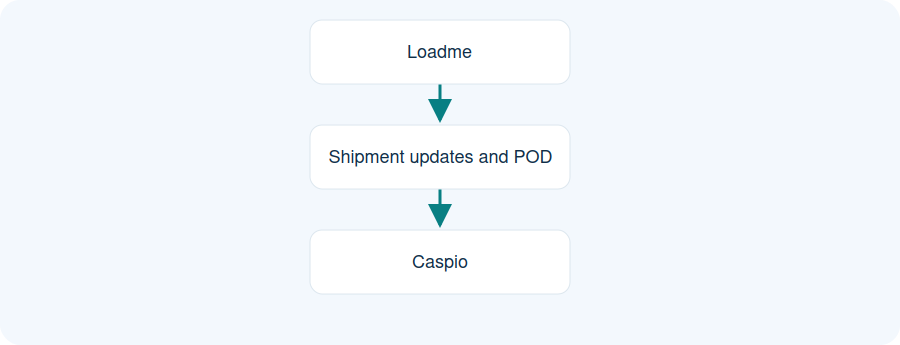
Illustrative workflow. Documented outbound direction. Incoming order transfer was postponed in this project.
Loadme
Shipment updates and POD
Caspio
Documented outbound direction. Incoming order transfer was postponed in this project.
Choose the data direction
Identify which system owns each record and which information needs to move. An application programming interface (API) connects agreed data flows between systems.
Map fields and responsibilities
Agree field names, reference numbers, triggers, update frequency and how errors are handled. Test representative records with both system owners before accepting the connection.
Use a documented example
The Henkel project sent outbound shipment updates and POD files from Loadme to Caspio. Incoming order transfer was postponed. A new integration needs its own agreed scope.
Practical questions
Is Business Central available everywhere?
The supplied material documents the capability, but it is disabled for all tenants in the supplied settings snapshot. Any activation needs review.
Does the Henkel case include incoming orders?
No. That stage was postponed; the documented delivered flow is outbound shipment updates and POD.
How is a new integration scoped?
Agree systems, fields, data direction, update triggers, ownership and acceptance checks.