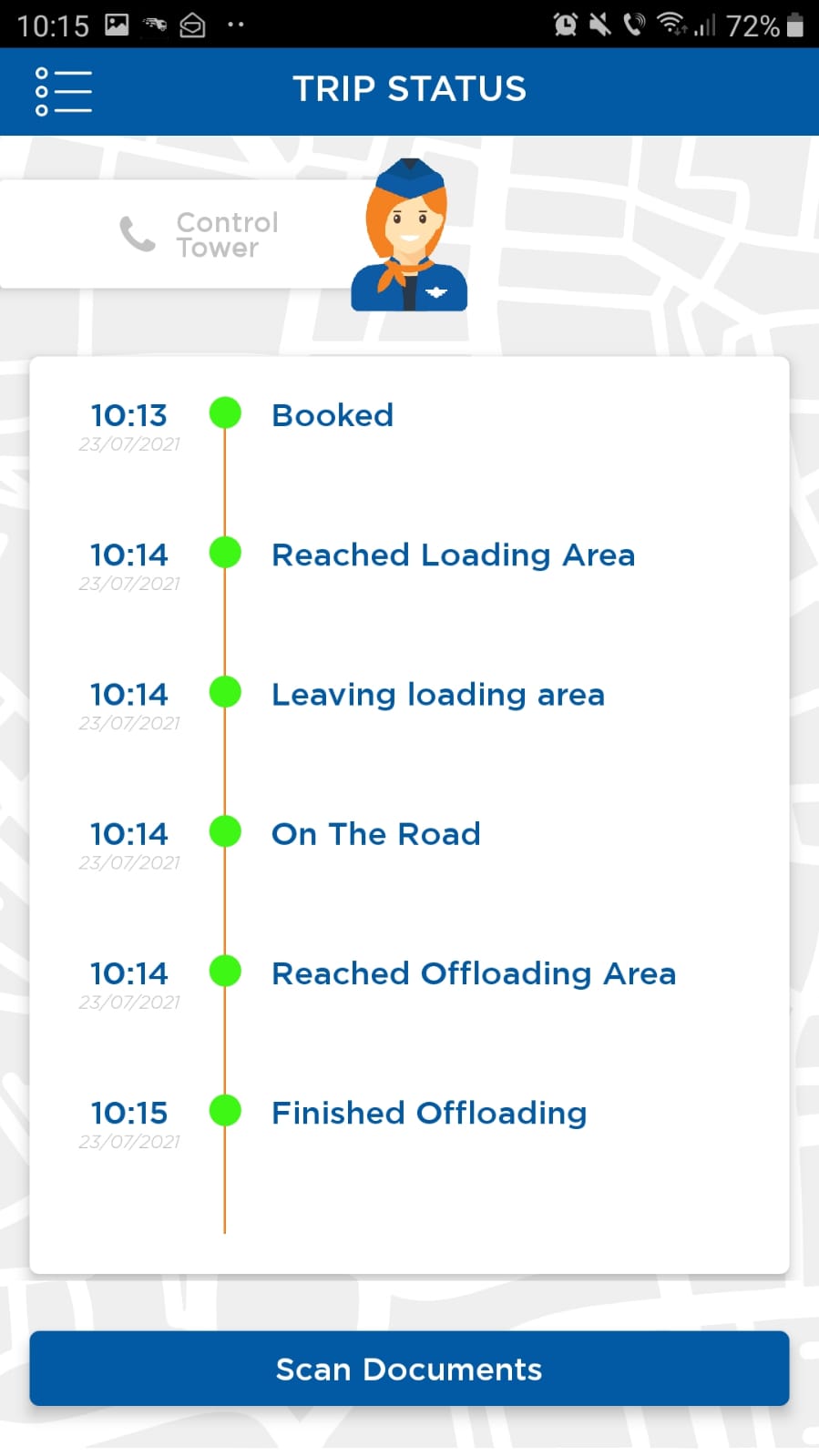
Real Loadme screen from the supplied material. Select to enlarge.
Connect the office and the driver
Agree which shipment updates and documents the driver supplies, and which actions stay with the office. The app becomes part of a defined operational process.
Give customers relevant access
Customer and partner access should reflect their responsibilities and the information they need. Confirm permitted records and actions for each participant during setup.
Plan the rollout
Arabic interface support is available. Agree the required app platforms, branding, participant onboarding and language checks as part of the implementation scope.
Follow the workflow
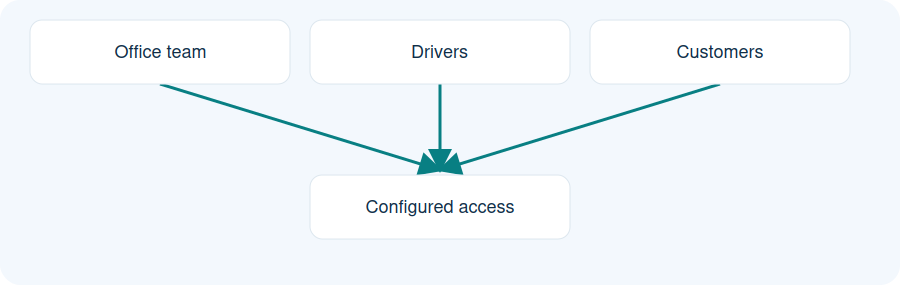
Illustrative workflow. Example participants. Permitted records and actions are agreed during setup; this is not a permissions specification.
Office team
Drivers
Customers
Example participants. Permitted records and actions are agreed during setup; this is not a permissions specification.
Practical questions
Do drivers use an app?
The source guides document driver-app participation. Agree the app platform and required actions during setup.
Can customers access shipment information?
Customer access is configured around the relevant records and responsibilities.
Is Arabic available?
Arabic interface support is confirmed. The required screens and rollout should still be reviewed.