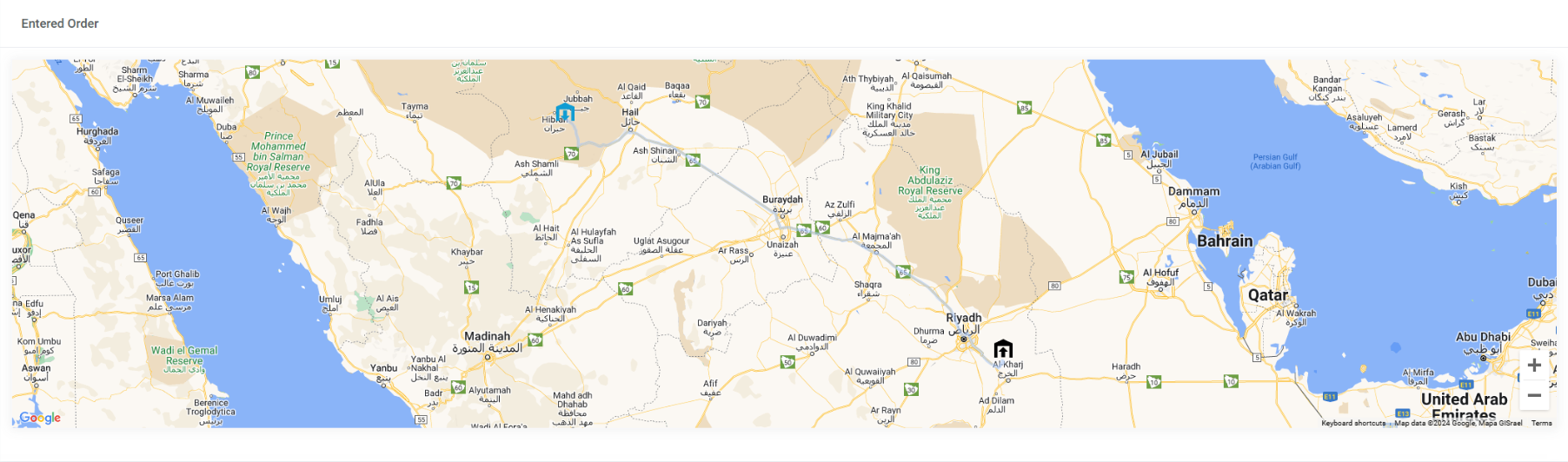
Real Loadme screen from the supplied material. Select to enlarge.
Read location with shipment status
Available location information gives context to the operational record. Review it alongside the shipment milestones instead of treating a map position as the whole delivery story.
Connect drivers to the update process
The driver app can contribute information to the configured workflow. Permissions, connectivity and the enabled tracking sources affect the freshness and availability of location data.
Follow up when information is missing
Agree who checks delayed updates and who contacts the driver or transport partner. A shared status view supports that work, but does not remove the need for an operational follow-up process.
Follow the workflow
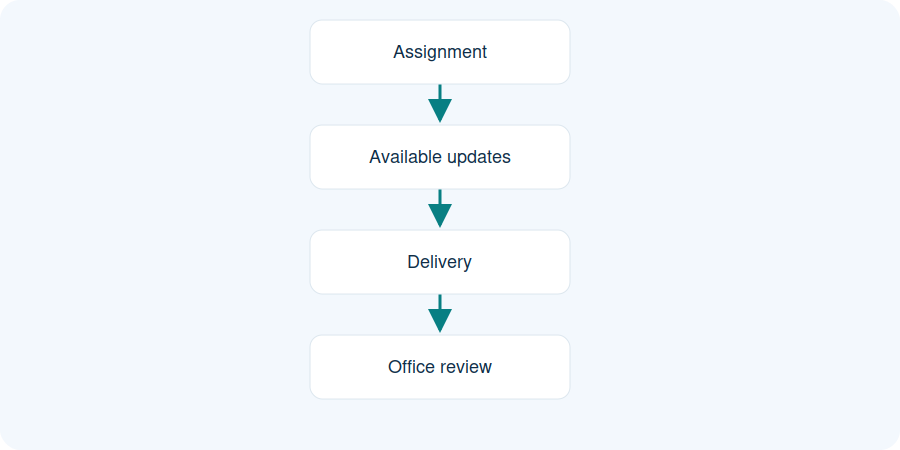
Illustrative workflow. Illustrative milestones. Available updates depend on participation, connectivity and configuration.
Assignment
Available updates
Delivery
Office review
Illustrative milestones. Available updates depend on participation, connectivity and configuration.
Practical questions
Is tracking always real time?
No. Availability and freshness depend on app participation, permissions, connectivity and configured sources.
What if location is missing?
The team should follow the agreed operational process and review available status updates.
Can customers see shipment updates?
Customer access must be configured around the relevant records and responsibilities.