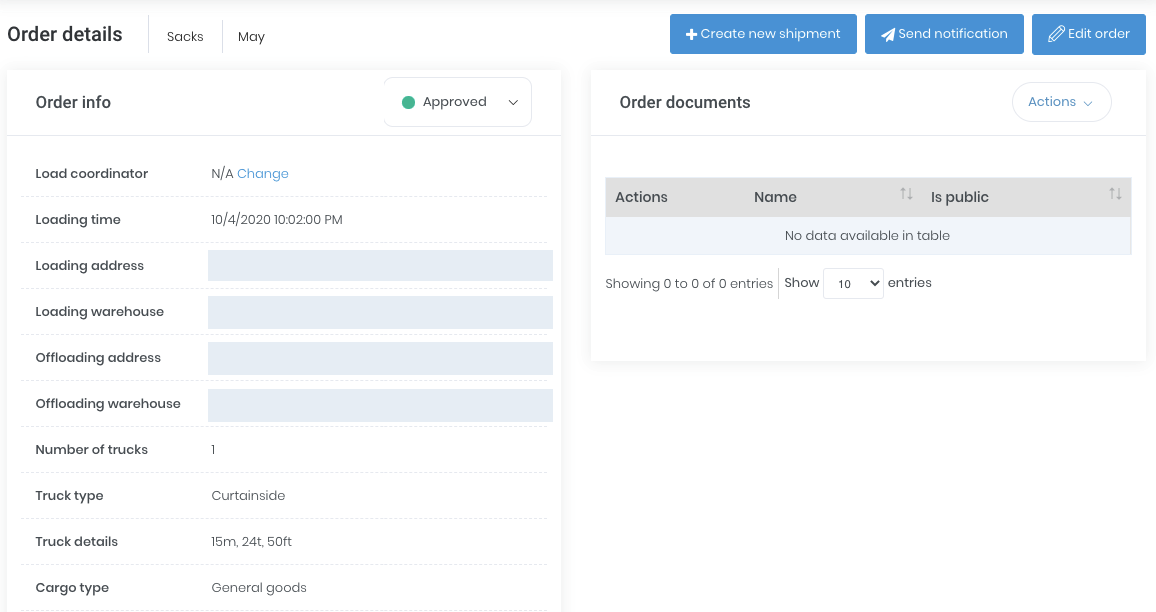
Real Loadme screen from the supplied material. Select to enlarge.
Start with the order information
Record the transport requirement and the information needed for the route, customer and delivery. Agree the fields and responsibilities that fit your tenant during setup.
Make the transport assignment clear
Connect the order with the carrier, driver or vehicle involved. For recurring factory movements, predefined routes can provide a consistent starting point for dispatch.
Follow the shipment through delivery
Use shipment status and available updates to identify the next operational task. Keep the delivery documents and recorded charges connected to the shipment so follow-up has a clear reference.
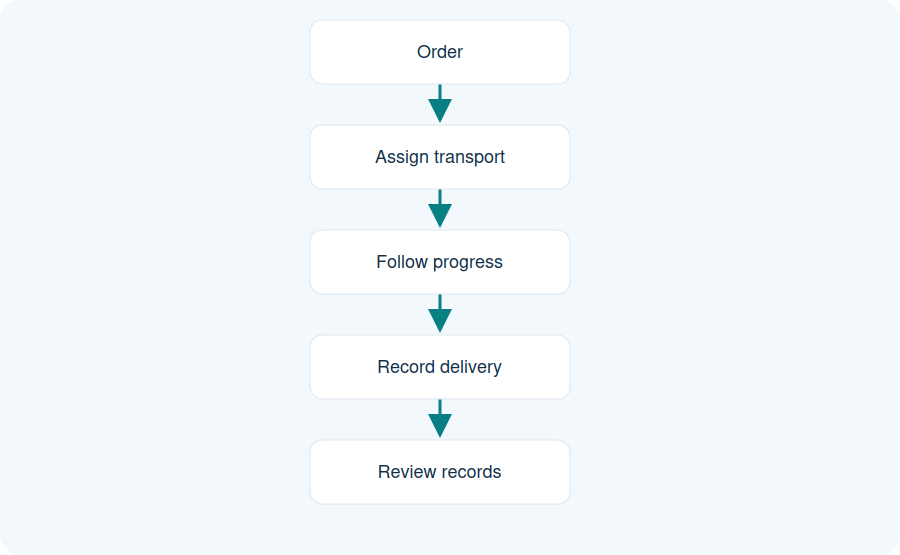
Follow the workflow
Illustrative workflow. Order information leads to transport assignment, shipment follow-up, delivery evidence and review.
Order
Assign transport
Follow progress
Record delivery
Review records
Order information leads to transport assignment, shipment follow-up, delivery evidence and review.
Practical questions
Can recurring routes be used?
The industrial guides document predefined routes. Confirm the required route setup and order fields for your tenant.
Does Loadme optimise routes automatically?
Automatic route optimisation is not part of the verified scope described here.
Who assigns transport?
The responsible participant and available actions depend on the configured workflow.